Creative teams
A campaign starts with a loose mood board and several competing visual directions.
Use one structured prompt to produce a first batch, compare directions, and carry the strongest visual language into later iterations.
fal modelsPractical AI Pipelines
fal ai workflows help teams move from one-off experiments to repeatable creative production. Start with a concrete brief, choose the right model path, and hand the prompt to Fal for the next step.

Start With Prompts
The hardest part is rarely generating a first draft. It is keeping the brief, visual direction, variations, and handoffs consistent as work moves from concept to delivery.
 Image
1
Image
1
A matte black wireless speaker on a sculptural stone pedestal, soft morning light, premium editorial product photography, neutral background
 Concept
2
Concept
2
A tiny astronaut repairing a glowing greenhouse on Mars, detailed red dust, warm rim light, cinematic science-fiction illustration
 Video
3
Video
3
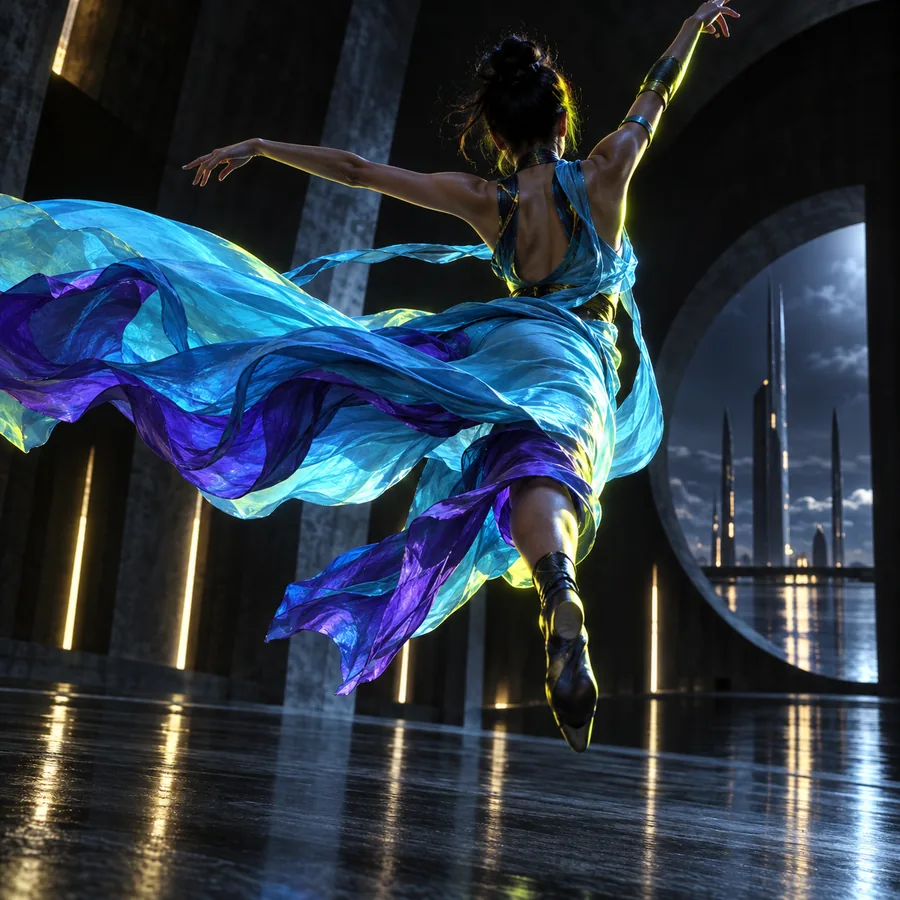
Animate the still image with a slow camera push, fabric moving in a light breeze, subtle reflections, polished commercial motion
Keep the subject, camera, lighting, and delivery format explicit when adapting these prompts.
Three Workflow Patterns
Choose a workflow by the bottleneck you need to remove: exploring options, adding motion, or preparing a finished set of assets.
A campaign starts with a loose mood board and several competing visual directions.
Use one structured prompt to produce a first batch, compare directions, and carry the strongest visual language into later iterations.
fal modelsA product needs launch imagery in multiple compositions before a photography budget is approved.
Generate square, landscape, and vertical concepts from the same brief, then refine the selected frame instead of restarting.
fal ai video generatorA strong still image needs movement, pacing, and a platform-ready crop.
Use an image-to-video step for camera motion and atmosphere, then review the result against the intended duration and aspect ratio.
how to use fal aiA team wants to test several model endpoints without rebuilding its entire creative process each time.
Separate the reusable brief from the model-specific settings, making experiments easier to compare and workflows easier to maintain.
what can fal ai doExample Output
A useful workflow leaves a traceable path from input to output. These examples show how a clear prompt can define the subject first, then guide style, motion, and delivery.
1
Still image
2
Campaign
3
Video input
 4
Variant
4
Variant
Compliance Notes
The best fal ai workflows make review points visible instead of treating generation as an unchecked final step.
When
Then
Keep the brief short, record the selected prompt, and review each output before it moves to the next step.
This preserves creative speed while keeping authorship and approval easy to trace.
When
Then
Define model choice, reference inputs, naming conventions, review owners, and the conditions for regeneration.
Consistency matters more than novelty when several people or channels depend on the same output.
When
Then
Confirm permission and provenance, remove unnecessary personal data, and require human approval before publication.
A fast generation step does not remove responsibility for privacy, intellectual property, or misleading content.
Describe the asset, the audience, the visual direction, and the final format. Fal can help you move from that starting brief toward a practical generation path you can review and refine.
Build a Fal workflowScenario FAQ
fal ai workflows are repeatable sequences for using Fal models and prompts to produce a defined result. A workflow may include briefing, generation, variation, image-to-video motion, review, and delivery.
Begin with one clear output, such as a product image or short motion clip. Write down the subject, style, composition, input assets, and delivery format, then test the smallest useful sequence before adding more steps.
Common fits include concept exploration, product visuals, image variations, character or environment development, and short-form video tests. The most reliable workflows define the creative brief and review criteria before generation begins.
Yes, a workflow can separate stages by capability, such as using one model for an image concept and another for motion or refinement. Keep the shared brief stable and record model-specific settings so results remain comparable.
Review the output for visual defects, factual accuracy, brand fit, and the intended crop or format. Also confirm permission for likenesses and source materials, remove unnecessary sensitive information, and obtain the required human approval.